Creating a brand with your agent
Develop a visual identity in Vizu, choose the direction you like, and get a reusable package of logos, colours, typography, and brand assets.


Start with your business
Ask your agent to create a brand in Vizu. Add any business details you haven’t already shared: its name, what you offer, and who your customers are.
This guide follows Jolt, a fictional local inference engine, from its brief to a brand package created in Vizu.
“Help me create a brand in Vizu for Jolt, a local inference engine for developers running language models on their own computers. I want it to feel vibrant, colourful, and playful. The identity will appear on the website, in the app, and around the developer community.”
For a brand refresh, explain what is not working today and share any existing assets you want to keep.
Shape the brief together
Your agent asks focused questions about the details that could change the design, then summarises the brief for you to confirm. Check that it describes the business accurately and captures how you want customers to see it.
References are optional. If you have examples you like or dislike, explain why. If you are unsure about the visual style, your agent can propose directions for you to react to.
Compare the visual directions
Your agent normally presents three directions as images in the chat. Each shows a logo and symbol, colours, typography, and an example of the identity in use, with an explanation of why it could suit your business.
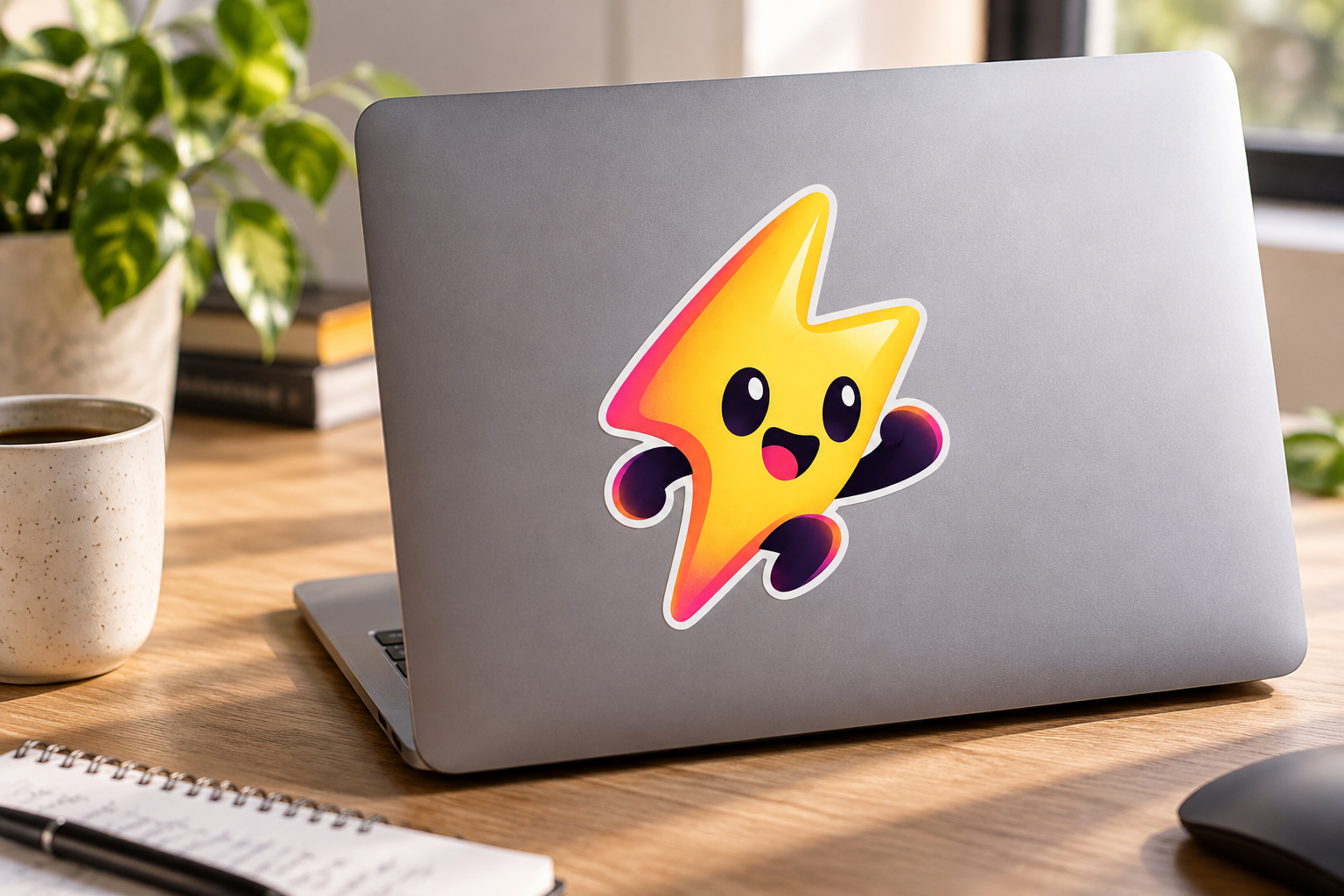
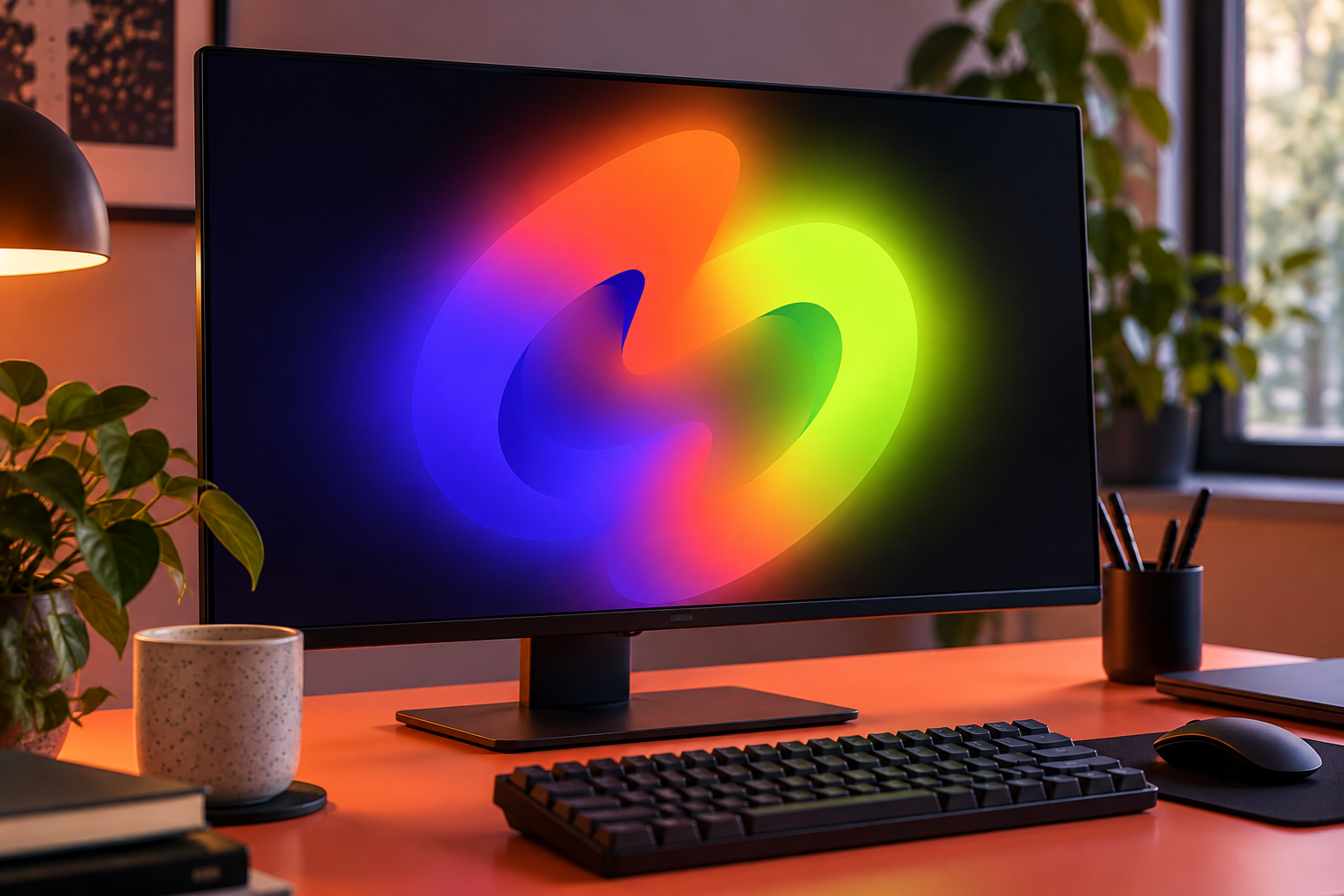
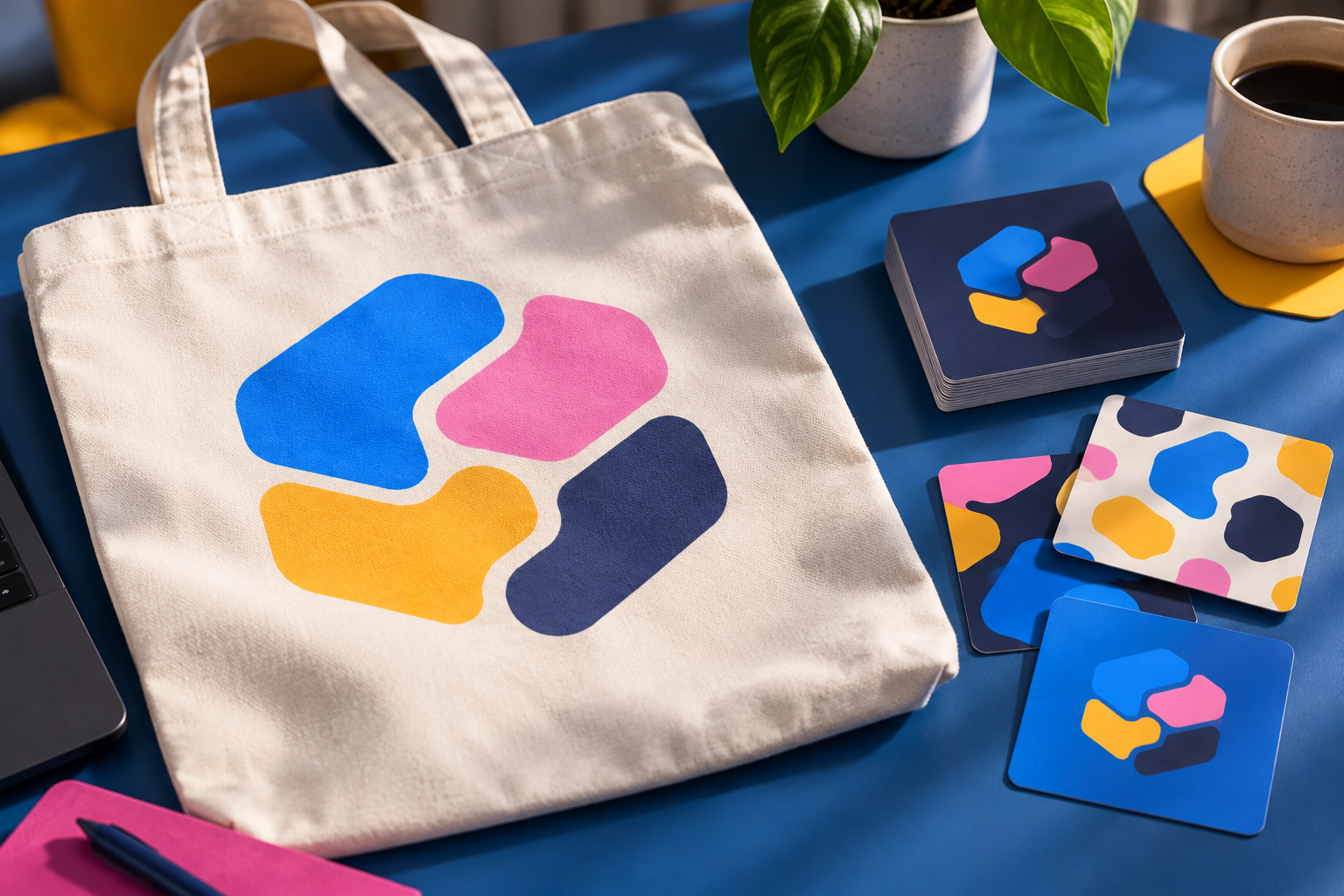
For Jolt, Play Circuit uses a friendly spark character. Hot Loop centres on a continuous loop, while Token Parade uses rounded blocks. Compare how each would feel on the product and in the places people encounter it. Tell your agent what fits, what feels wrong, or what you would like changed.
Scroll through the three directions.


Choose and refine your brand
Name the direction you prefer and describe any adjustments. For Jolt, we chose Play Circuit: “Go with the first direction and create the brand package.” Its yellow spark character gives the engine a face, with pink and violet supporting colours.
You can ask for a revision before committing: “I like the character, but can we make the lettering calmer?” Your agent shows the revision so you can decide whether to continue.
Review the complete brand package
Production can take several minutes. Your agent then shows the guidelines and individual outputs in the chat for you to review. The work is saved in Vizu, with reusable outputs organised under Brand assets.
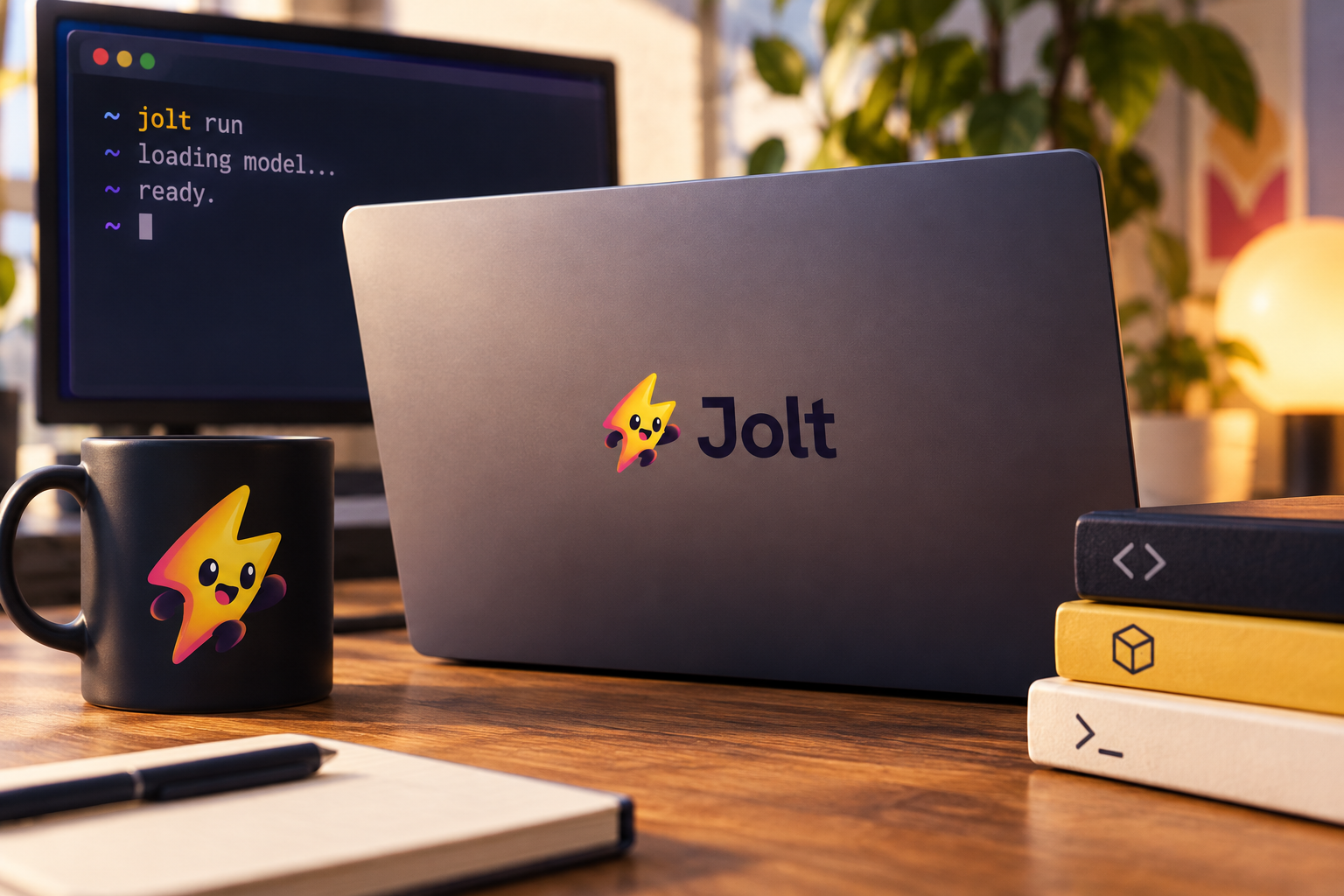
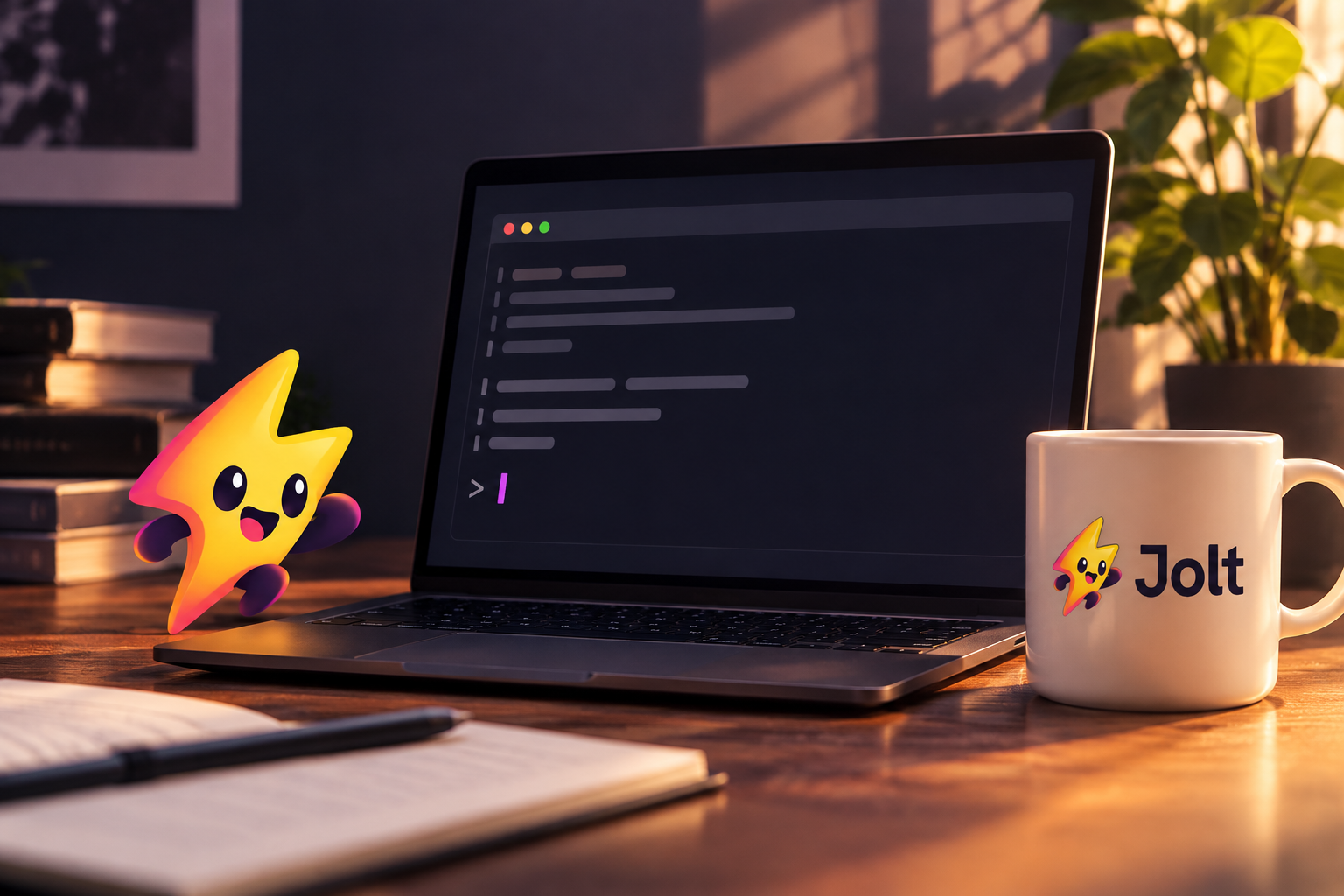
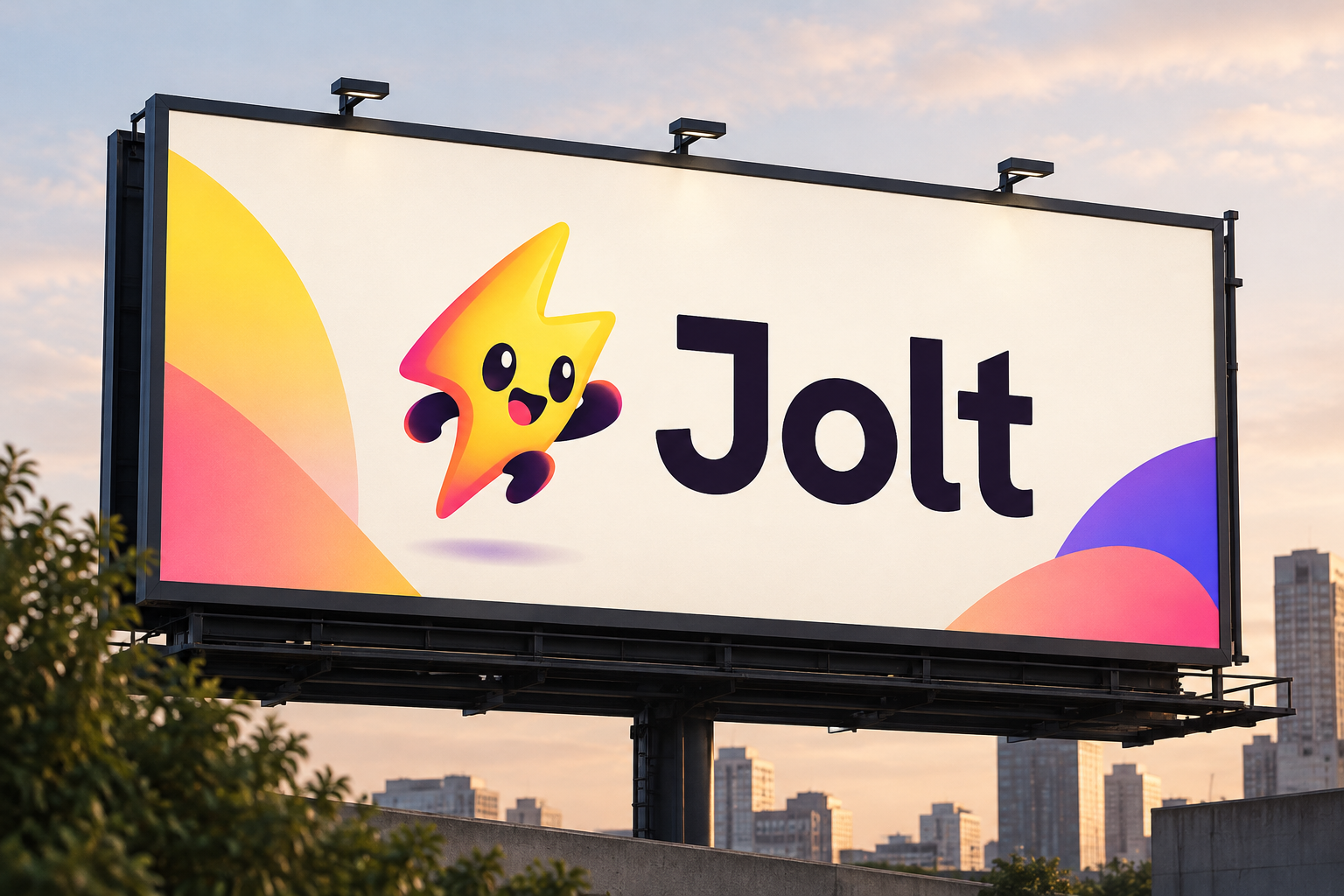
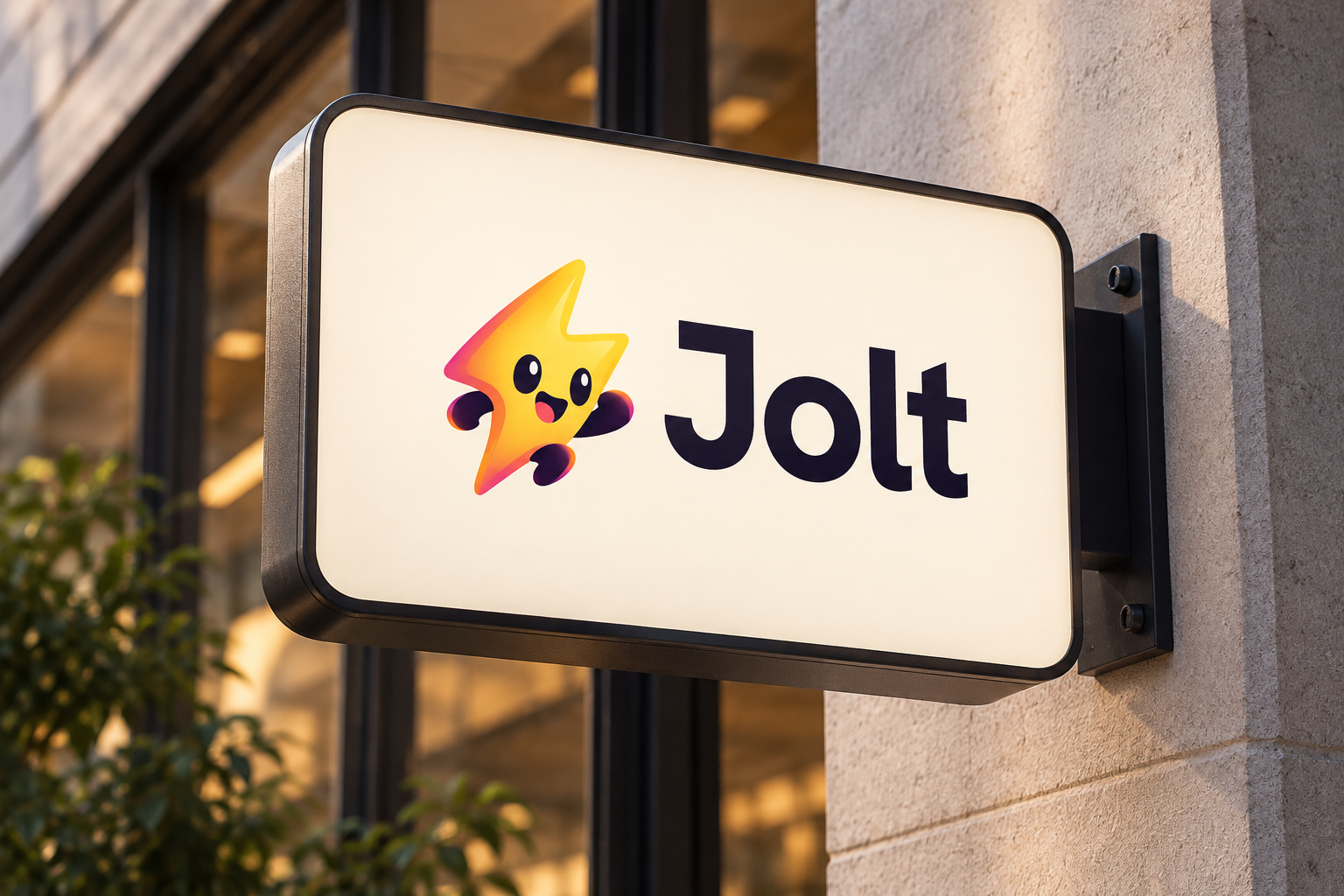
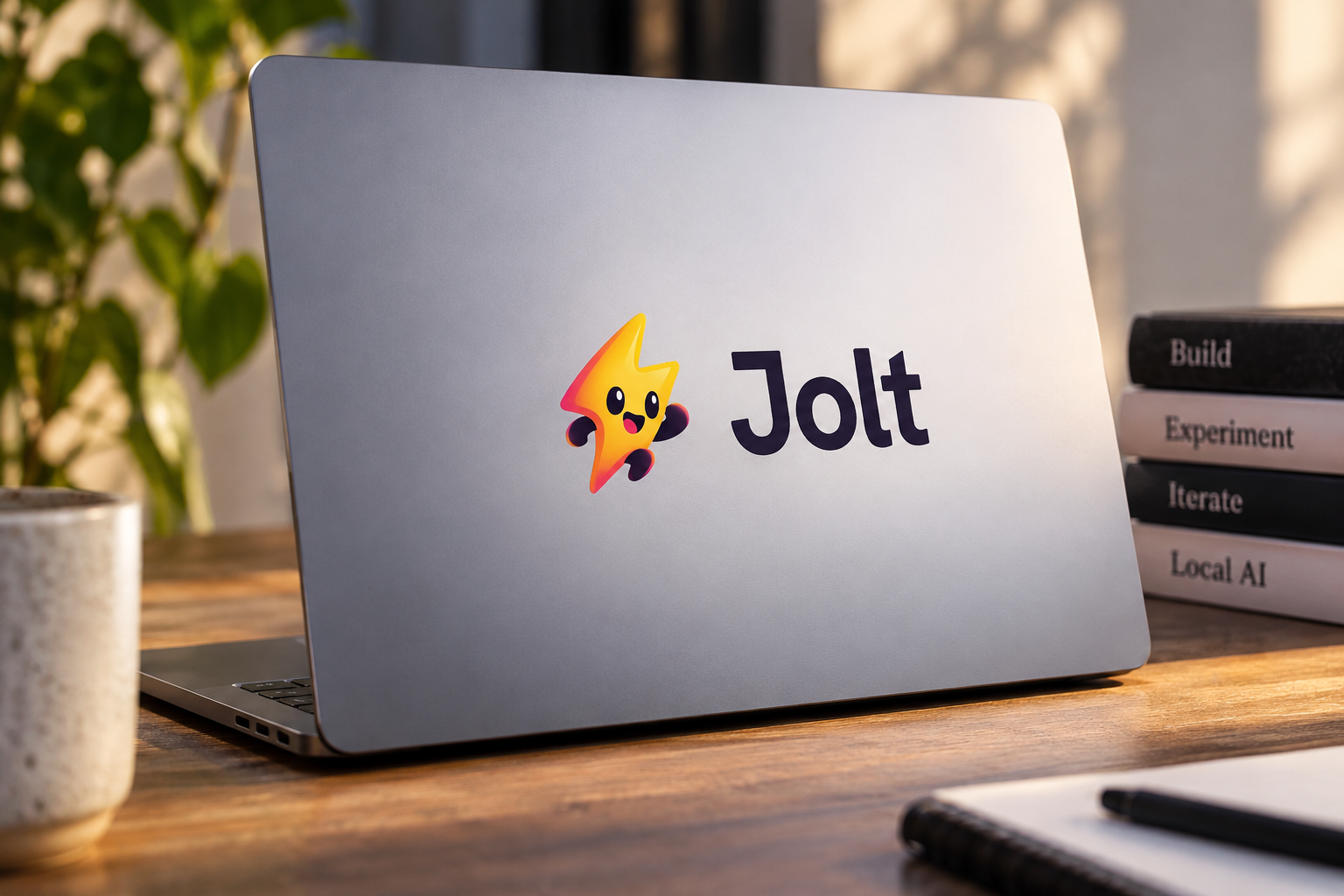
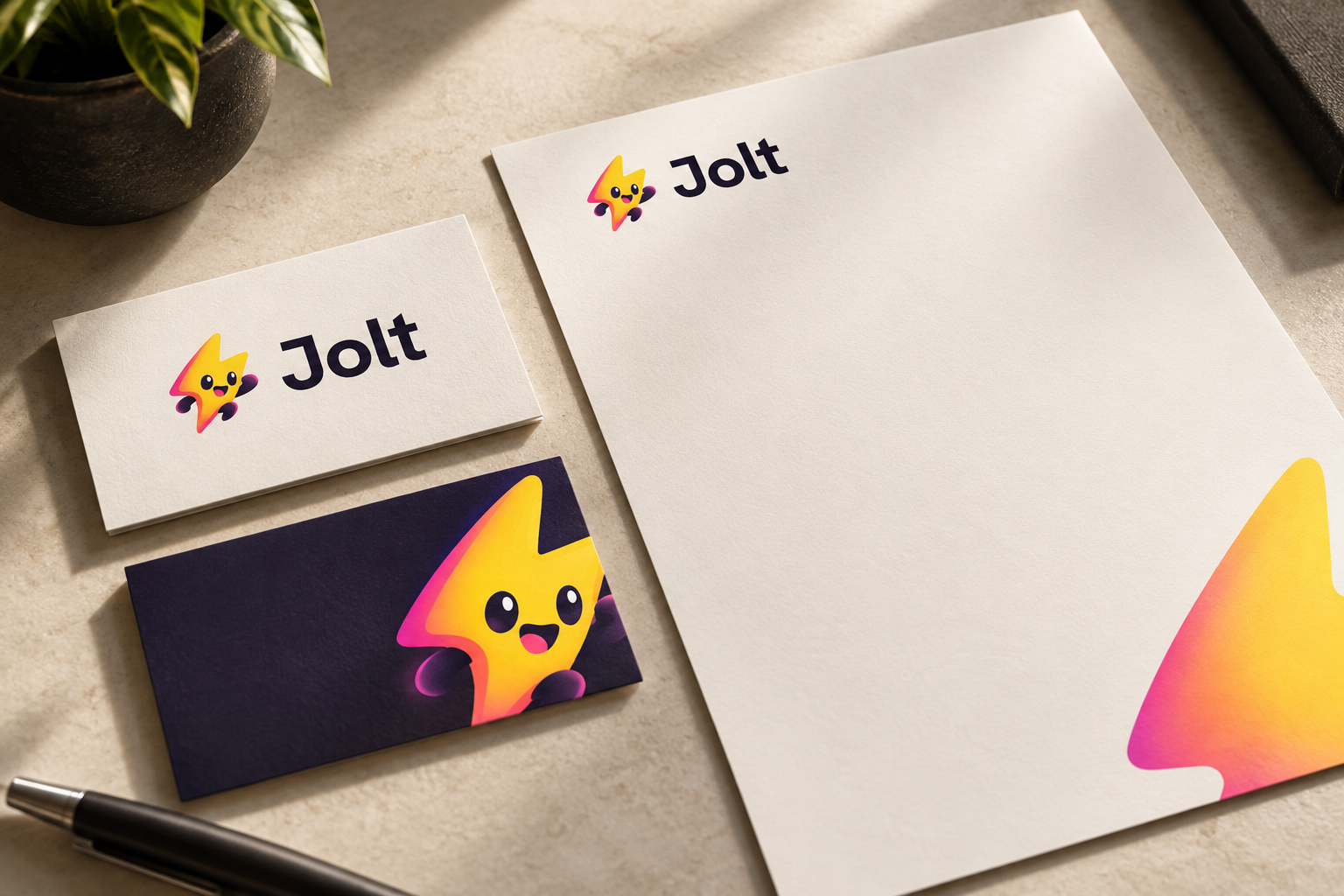
The package covers 12 categories. Alongside the primary logo, standalone symbol, colours, and typography, it includes brand imagery, graphic patterns, mockups, stationery, and a billboard application.
Browse Jolt’s package below. Check the name, readability, and whether the identity feels consistent across applications. Ask for changes where needed before approving the finished package.
Scroll through the 12 categories.







Use your brand assets
Ask your agent to export the assets you need as PNG or JPG images. Logos can be exported as transparent PNGs. Colours, typography, and guideline text remain editable in Vizu.
Add confirmed contact details before using stationery. The package contains digital artwork; print-production files are separate work.