Make the design feel like yours.
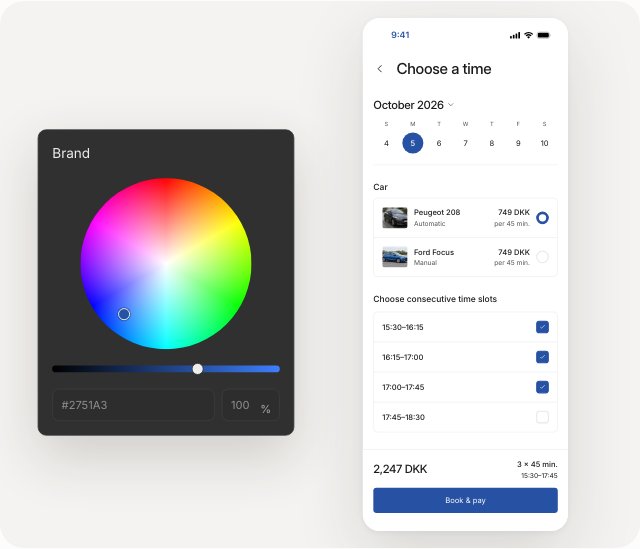
Explore colours in a shared theme. Linked components follow your choices, so you can judge the result across the design.
AI design workspace for coding agents
Create your brand, reusable components and connected screens in a visual workspace your agent can inspect and build on.
Create your free account in the app, then connect your coding agent.
Brand foundation
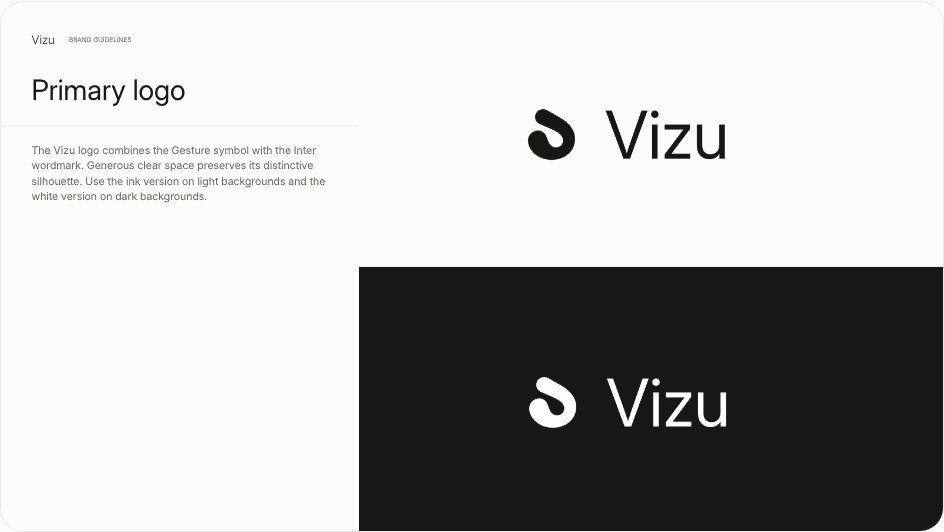
Ask your agent to generate a brand package for your project: logos, colours, typography, social banners and reusable backgrounds for ads and other media. Your agent can then use that identity across your product designs and marketing.
Scroll to explore the brand package
Reusable components
A growing product needs consistent buttons, fields and navigation. Your agent can build these from the shared design system and reuse them across screens.
Explore colours in a shared theme. Linked components follow your choices, so you can judge the result across the design.
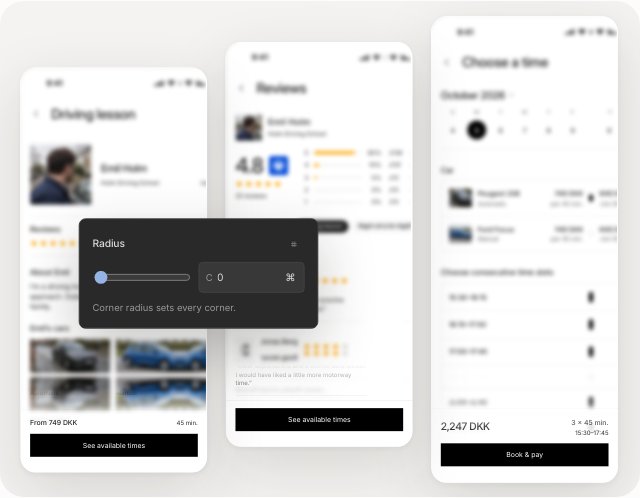
Refine a component’s shape or spacing and its linked uses update together. Your agent can keep building with the same component.
Screens and flows
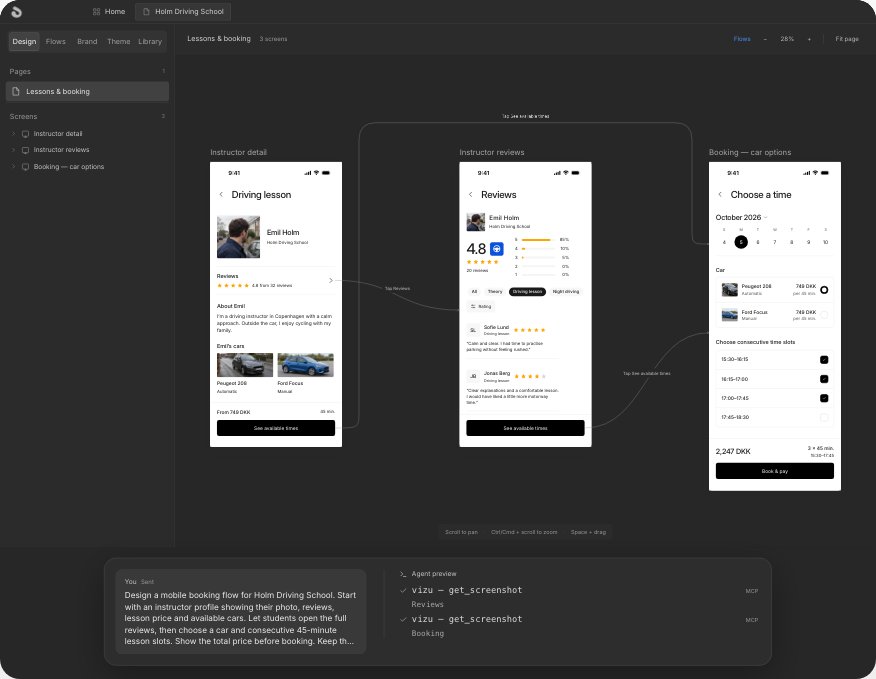
Ask your agent to connect the screens and define their states. Follow the paths through your product and leave feedback on the step that needs attention.
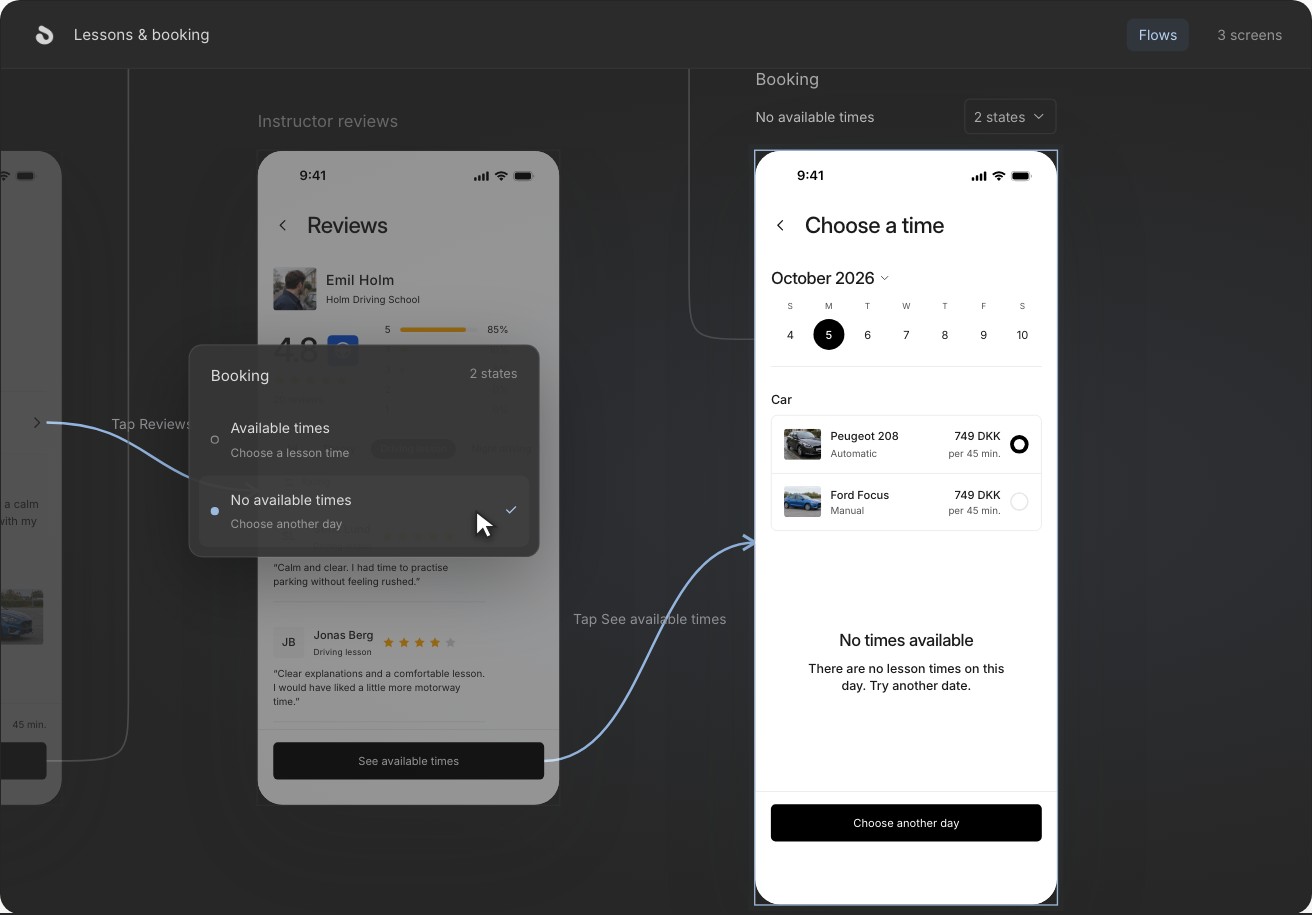
A lesson-booking journey in Vizu, from choosing an instructor to comparing booking states.
Marketing creatives
Use Vizu to create visual ads with imagery and text. Work from the project’s brand so your marketing carries the same identity as the product.
Scroll to explore the marketing examples
Plans
$0
No subscription
For your first explorations.
$20
Per editor / month
Plus applicable taxes
For everyday design work.
$79
Per editor / month
Plus applicable taxes
For larger explorations.
Connections
Connect your agent and start designing in Vizu.
Read guideGetting started
Develop a visual identity in Vizu, choose the direction you like, and get a reusable package of logos, colours, typography, and brand assets.
Read guidePractical guides
When you’re unsure how a screen should look, your agent can create several versions in Vizu for you to compare and choose from.
Read guideCreate your free account in Vizu and connect your agent.
Use any coding agent that supports local MCP servers. The installation guide has setup instructions for supported clients, including Cursor, Claude Code and Codex.
Download Vizu, create your free account in the app and connect your agent. Then ask for your first screen.
Desktop releases are built for macOS, Windows and Linux. Keep the desktop app open while your agent uses its local MCP connection.
Review the screens in Vizu, then ask your coding agent to implement the selected design in your project. The agent uses the screens, linked components and theme tokens as context.
Vizu also helps you create visual ads with imagery and text for your marketing campaigns. Keep product design and creative work in the same suite.